Static website
Steps
These steps assume that your repository has a project structure as follows:
GitHub repository containing your source code
├── src/
│   ├── ...
│   └── main.tsx
├── ...
├── package.json
└── index.html
Step 1: Create a S3 bucket + CloudFront
Add the following code snippet to your Terraform project:
main.tf
module "application" {
  source      = "git@github.com:BYM-IKT/terraform-byks-module.git"
  environment = "test"
  ...
  cloudfront_distributions = {
    kattehotell = {}
  }
}
Create a Pull Request to Terraform apply this change.
This will provision two resources:
- A new S3 bucket named
${environment}-${application_name}-${service}. In this example:test-kattehotell-kattehotell. - A CloudFront distribution that serves the content of the S3 bucket. The resulting FQDN is generated from the key used (here:
kattehotell). In this example, the resulting FQDN will therefore become: https://kattehotell.test.bymoslo.net.
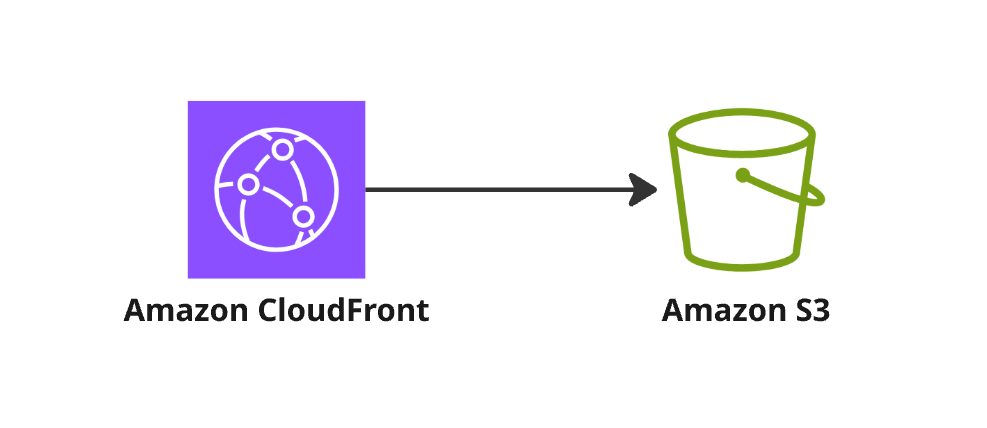
The CloudFront distribution serves the content stored in the S3 bucket.
Step 2: Compile and push the code to S3 Bucket
- Create a GitHub Actions workflow file
.github/workflows/deploy-to-test.yml:with the following content:. ├── .github/ │ └── workflows/ │ └── deploy-to-test.yml ├── src/ │ ├── ... │ └── main.tsx ├── ... ├── package.json └── index.html./.github/workflows/deploy-to-test.ymlwherename: Build and deploy website to TEST on: push: branches: [master] workflow_dispatch: jobs: deploy-to-test: name: Build app and deploy to TEST runs-on: ubuntu-latest permissions: id-token: write contents: read environment: name: testing url: https://kattehotell.test.bymoslo.net steps: - uses: actions/checkout@v4 - uses: pnpm/action-setup@v4 with: version: 10 package_json_file: ./package.json - uses: actions/setup-node@v4 with: node-version: 24 - name: Install dependencies run: pnpm install - name: Build env: CI: false run: pnpm build --emptyOutDir --outDir 'build' - name: Upload to S3 and invalidate CloudFront cache uses: BYM-IKT/github-actions/upload-to-s3-and-invalidate-cloudfront@master with: aws-account-id: "<<AWS_ACCOUNT_ID>>" s3-bucket-name: test-kattehotell-kattehotell build-directory: ./build cloudfront-distribution-domain-name: https://kattehotell.test.bymoslo.net<<AWS_ACCOUNT_ID>>is replaced with the Id of your AWS Account. - Run the pipeline.
- Verify that the website is online.