AWS VPN Client
AWS VPN Client at Bymiljøetaten
AWS Client VPN is used to provide secure remote access to applications and services running in private VPC subnets in AWS.
It allows developers and operators to access internal systems—such as administrative tools and databases—without exposing these services to the public internet.
Access and Identity Management
AWS Client VPN is integrated with AWS IAM Identity Center (formerly AWS SSO), which is federated with Oslo Kommune’s Microsoft Entra ID.
This provides:
- Centralized identity and access management
- Authentication and authorization based on corporate identities
- Automatic access removal when users leave the organization
Network Architecture
Bymiljøetaten operates an AWS multi-account environment. To enable secure connectivity across accounts, we use AWS Transit Gateway to connect VPCs in different AWS accounts. The Client VPN endpoint integrates into this architecture, providing controlled access to internal resources across multiple VPCs.
Why AWS Client VPN
- Secure access to private AWS resources
- No reliance on static IP addresses
- Centralized access control through Microsoft Entra ID
- Scalable solution for a multi-account AWS environment
- Fully managed AWS service
Read more about AWS VPN Client here: AWS Client VPN
VPN Client setup for developers
- Sign in at AWS Access Portal
-
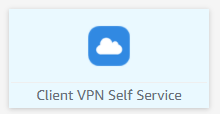
Click the Client VPN Self Service application.
-
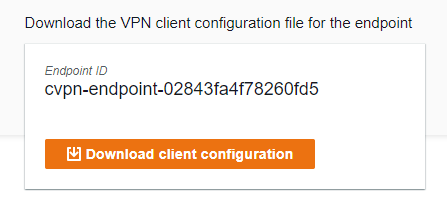
Download the Client Configuration
-
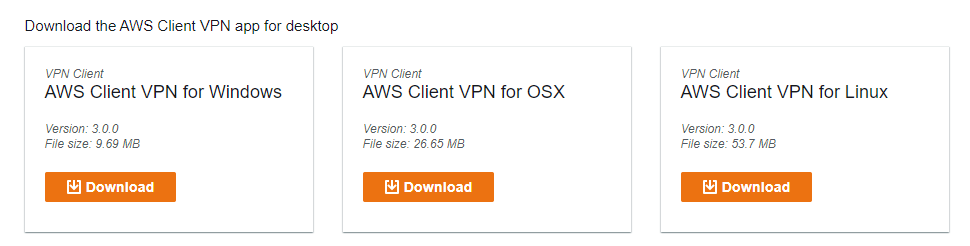
Download the AWS VPN Client desktop application for your operating system.
-
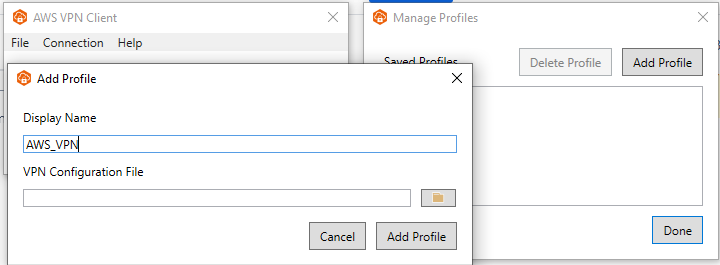
Connect using AWS VPN Client
Steps:
- Launch the AWS Client VPN application
- From the menu, select File → Manage Profiles → Add Profile
- Enter a profile name
-
Select the Client VPN configuration file downloaded in step 3