VPN Client Setup
Prerequisite: developer access
This guide requires "Developer" access in AWS to see "Client VPN Self Service" in the AWS Access Portal. Message the Slack channel #cloud-infrastructure to request this from Team Cloud.
Step 1: Open Client VPN Self Service
- Sign in at the AWS Access Portal.
-
Open the Client VPN Self Service application.
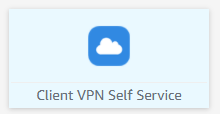
If "Client VPN Self Service" is not in the list, you lack developer access.
Step 2: Download the client configuration
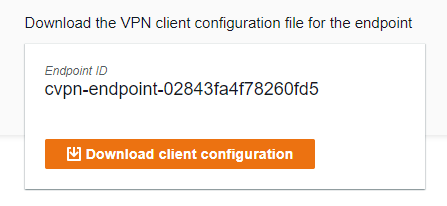
Download the Client Configuration file for your endpoint.
Step 3: Download the AWS VPN Client app
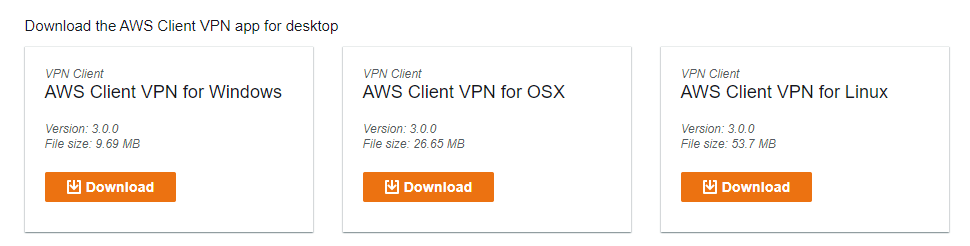
Download the AWS VPN Client desktop application for your operating system.
Step 4: Connect using the AWS VPN Client
Follow the official setup instructions for your operating system:
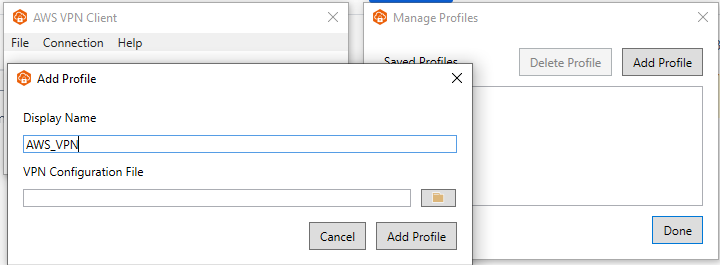
Then add a profile:
- Launch the AWS Client VPN application.
-
Select Add Profile.
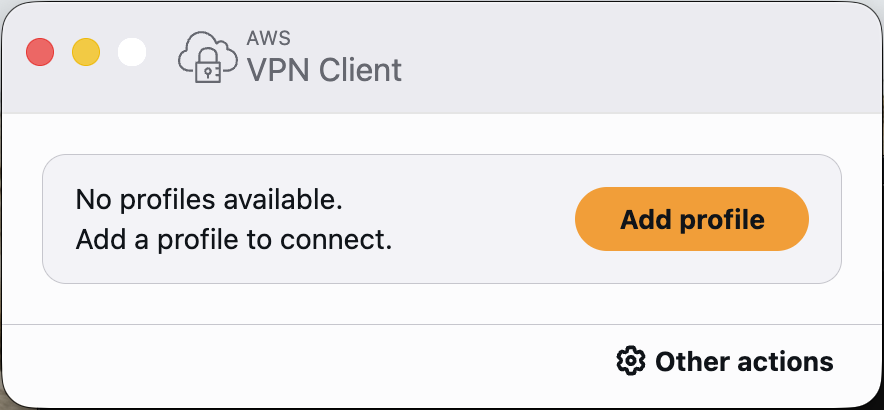
-
Enter a profile name and select the Client VPN configuration file downloaded in step 2.