S3-triggered Function
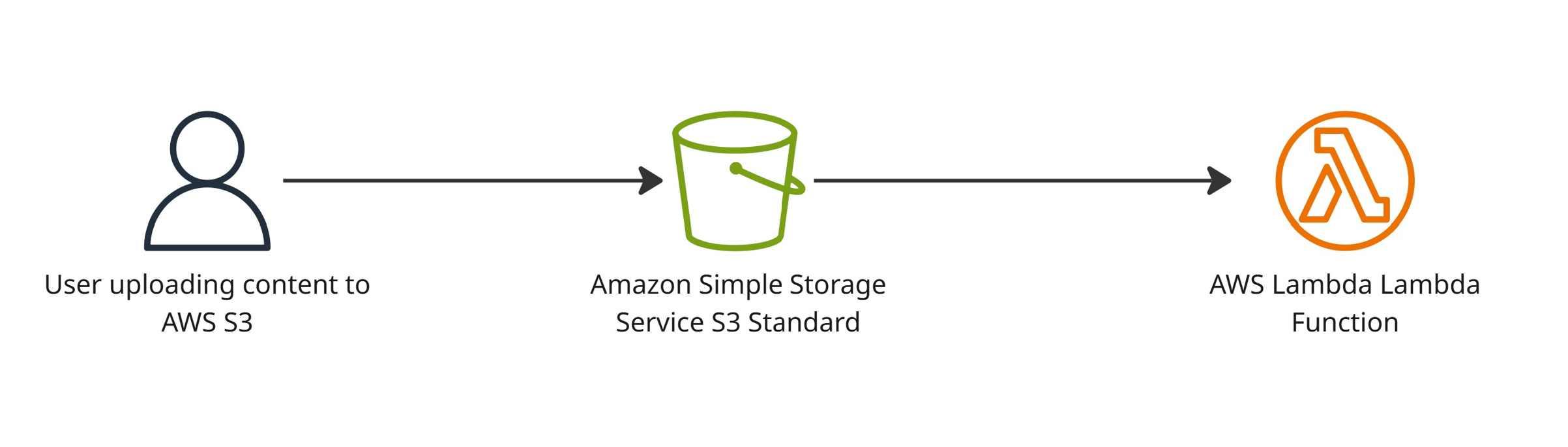
A Lambda function that is triggered by incoming data to an S3 bucket.
This guide walks you through setting up an event-driven workflow that triggers a Lambda function whenever new content is uploaded to an S3 bucket. The resources should be created inside the infrastructure repository.
components :
- S3 bucket
- Lambda function
- S3 bucket notification
├──application-name/
  ├── byks_application_name.tf
        lambda_functions {}
  └── locals.tf
  └── s3.tf
  └── s3_notifications.tf
Step 1 : The Lambda Function
At BYM, when configuring event triggered Lambda functions, the development team is expected to deploy the function code as an ECR container image.
Before proceeding, follow the step-by-step guides to Create ECR repository and Build & push Docker image to ECR.
Taking the kattehotell example further, the following code provisions kattehotell-incoming-resrvations-test Lambda function using the container image pushed to ECR.
locals.tf file inside kattehotell_incoming_reservations_environment_variables section.
Step 2 : The S3 Bucket
The code below creates bym-kattehotell-test S3 bucket.
| s3.tf | |
|---|---|
Step 3 : The S3 Bucket Notification
The following configuration sets up the S3 bucket notification and grants the required invoke permission, allowing the S3 bucket to trigger the Lambda function.
Result :
A file being uploaded to the bym-kattehotell-test/new-reservations/ S3 bucket triggeres a new deployment of the lambda function kattehotell-incoming-reservations-test.